
Why should I unlock my T-Mobile/Sprint Franklin T9 hotspot?
You can use a SIM card from any carrier’s SIM card in your Franklin T9 hotspot device by using our unlocking service. Entering the unique unlock code on your device’s admin home page completes the simple unlocking process.
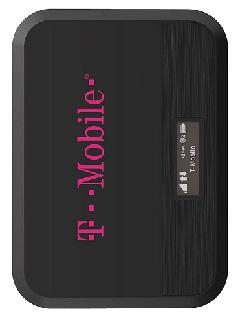
How to unlock the FRANKLIN T9 hotspot?
Unlocking the Franklin T9 mobile hotspot by unlock code is easier than you think. It doesn’t require any expertise or equipment. Please follow these steps:
- Obtain the unique unlock code of your Franklin T9 from here.
- Connect to your Franklin T9 Wi-Fi network.
- Access the admin page of your device by visiting http://mobile.hotspot or http://192.168.0.1.
- Enter admin password if required (default: admin)
- Navigate to Menu > Settings > Mobile Network > SIM > Carrier Unlock.
- Enter the unlock code provided by Unlocklocks.
That’s all; enjoy your unlocked T-Mobile/Sprint hotspot Franklin T9 device with any carrier SIM card.
Visit Unlocklocks and get unlocked now!
Last Updated on 12 months ago by UnlockLocks