
Why unlock the ZTE MC8020 device?
You can use a SIM card from any network provider in your ZTE MC8020 device thanks to our unlocking service. The unique unlock code is entered through the device admin home page, making the unlocking process simple and straightforward.
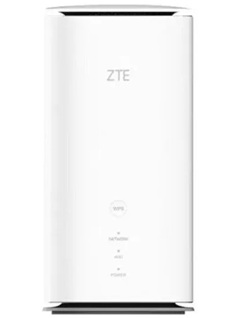
How to Unlock ZTE MC8020?
It’s not as hard as you might think to unlock a ZTE MC8020 CPE with an unlock code. It doesn’t need any special knowledge or tools. Kindly take these actions:
- Get the ZTE MC8020 unlock code by going here.
- Remove the original SIM card.
- Put in an unaccepted SIM card.
- Turn on your device and connect to its Wi-Fi network.
- Open the browser then enter http://192.168.1.1 or http://192.168.0.1 or http://192.168.8.1
- Enter admin password if required (default: admin)
- Enter the 16-digit unlock code supplied by UNLOCKLOCKS.com.
Enjoy using any carrier SIM card with your unlocked CPE.
Unlock now by visiting UnlockLocks.
Last Updated on 7 months ago by UnlockLocks