
Can I unlock my APPLE iPhone?
You may carrier- or SIM-unlock your device by using our unlocking service. When you unlock your Apple iPhone 17, 17 Pro, or 17 Pro Max, you can use a SIM card or eSIM from any other carrier. The unlocking procedure is relatively simple and can be completed remotely without requiring the input of an unlock code.
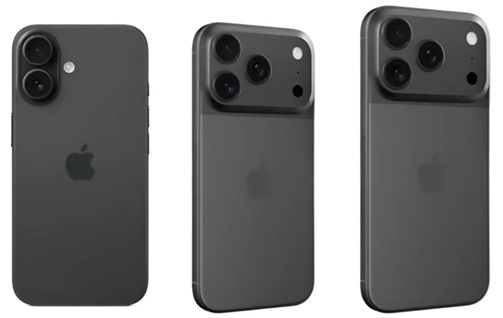
How do I unlock my Apple iPhone?
The first thing you are going to do is make an order at Unlocklocks. Once the unlock order is processed by us, you will receive a confirmation message indicating that your device unlock is approved for unlocking, and then you should follow the steps below.
- Make sure you have an active data connection via 3G/4G/LTE or Wi-Fi.
- Remove the original SIM card from your iPhone.
- Install a SIM Card or eSIM from a different carrier
- Complete the setup.
Congratulations. Your Apple iPhone has been unlocked for all networks worldwide.
Notes:
- Your device is unlocked for all carriers.
- Unlocking is permanent; your device remains unlocked even if you reboot, master reset, or flash it.
- The unlocking of the Apple iPhone 17 / 17e / iPhone 17 Pro / iPhone 17 Pro Max doesn’t require an unlock code.
- The unlocking process is safe and legal. It’s 100% genuine.
UNLOCK YOUR DEVICE NOW AT UNLOCKLOCKS.COM
Last Updated on 7 months ago by UnlockLocks