
Why should you unlock the ZTE MF833 USB?
You can use a SIM card from any network in your ZTE MF833 USB internet device by following our unlocking procedure. The ZTE MF833 USB, for example, is exclusive to a certain network or carrier; once it is unlocked, we can use it with any domestic network or any other foreign carrier.
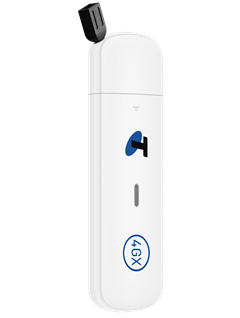
How do I unlock my ZTE MF833 USB?
Using an unlock code to unlock the ZTE MF833 USB device is not as difficult as you might think. No specific knowledge or tools are needed. Please follow these instructions:
- Get the unique unlock code of your ZTE MF833 USB here
- Take out the original SIM card.
- Insert a non-accepted SIM card.
- Connect your device to the computer and visit http://192.168.0.1
- Enter your mobile hotspot password.
The default login password is printed on the back of your hotspot. - Enter the 16-digit unlock code supplied by Unlocklocks.
Enjoy using any network SIM card with your ZTE MF833 USB.
Unlock now by visiting Unlocklocks.
Last Updated on 6 months ago by UnlockLocks